A Sequence of Place-enabled Photos or Videos
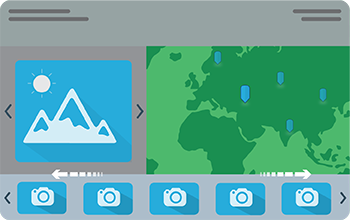
Story Map Tour℠
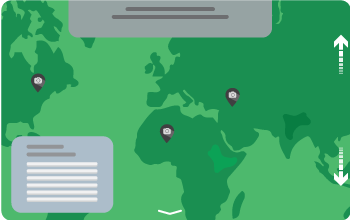
Present a set of photos or videos along with captions, linked to an interactive map. It's ideal for walking tours or any sequence of places you’d like users to follow in order.
BUILD OVERVIEW TUTORIAL FAQSA Rich Multimedia Narrative
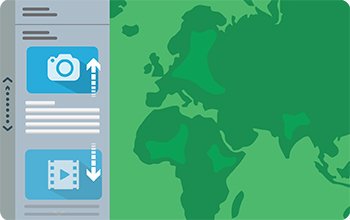
Story Map Journal℠
Create an in-depth narrative organized into sections presented in a scrolling side panel. As users scroll through the sections in your Map Journal they see the content associated with each section, such as a map, 3D scene, image, video, etc.
BUILD OVERVIEW TUTORIAL FAQS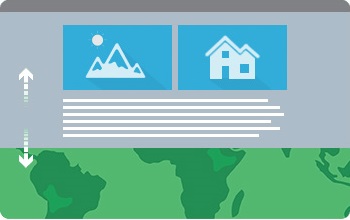
Story Map Cascade℠
Create a visually and editorially engaging full-screen scrolling experience for your audience blending narrative text, maps, 3D scenes, images, videos, etc. Sections containing text and in-line media can be interspersed with "immersive" sections that fill the screen, including map animations and transition effects.
BUILD OVERVIEW TUTORIAL FAQS TIPSPresenting a Series of Maps
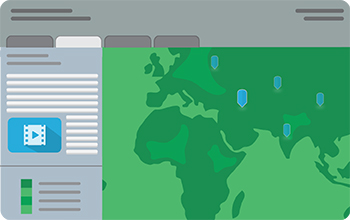
Story Map Series℠ - Tabbed Layout
Present a series of maps via a set of tabs. There's an optional description panel for presenting text and other content associated with each map.
BUILD OVERVIEW TUTORIAL FAQS
Story Map Series℠ - Side Accordion Layout
Present a series of maps, and accompanying text and other content for each map, in an expandable panel. Clicking a title selects the map and expands the panel to reveal the text.
BUILD OVERVIEW TUTORIAL FAQS
Story Map Series℠ - Bulleted Layout
Present a series of maps via numbered bullets, one map per bullet. It's a good choice when you have a large number of maps or locations to present. There's an optional description panel for presenting text and other content associated with each map.
BUILD OVERVIEW TUTORIAL FAQSA Dynamic Collection of Crowdsourced Photos
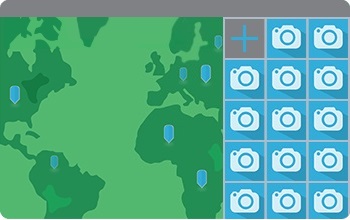
Story Map Crowdsource℠ BETA
Publish and manage a crowdsourced story to which anyone can contribute photos with captions. Use Crowdsource to engage your audience and collect their photos and experiences, thoughts or memories on the subject of your choice, all linked to a map. A vetting function lets you review and approve contributions.
BUILD OVERVIEW TUTORIAL FAQS TIPSA Curated Set of Places of Interest
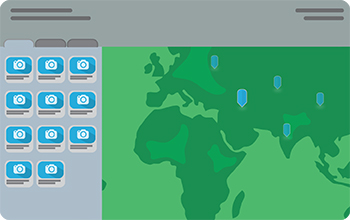
Story Map Shortlist℠ BETA
Present a large number of places organized into tabs based on themes, for example, food, hotels, and attractions. As your users navigate around the map, the tabs update to show them just the places in their current map extent.
BUILD OVERVIEW TUTORIAL FAQSComparing Two Maps
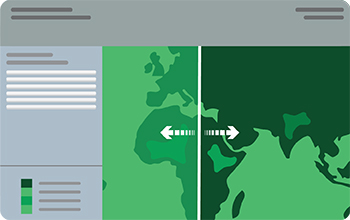
Story Map Swipe℠
Let your users compare two separate web maps or two layers of a single map by sliding a swipe tool back and forth.
BUILD OVERVIEW TUTORIAL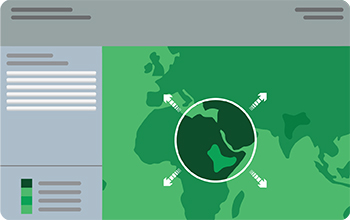
Story Map Spyglass℠
This app is similar to Swipe but enables your users to peer through one map to another with a spyglass tool.
BUILD OVERVIEW TUTORIALPresenting One Map

Story Map Basic℠
Present a map via a very simple user interface. Apart from the title bar and an optional legend, the map fills the screen. Use this app to let your map speak for itself.
OVERVIEW TUTORIALCustom Story Map Designs
Custom story maps are developed for particular projects, and to help prototype designs that we can turn into new apps.